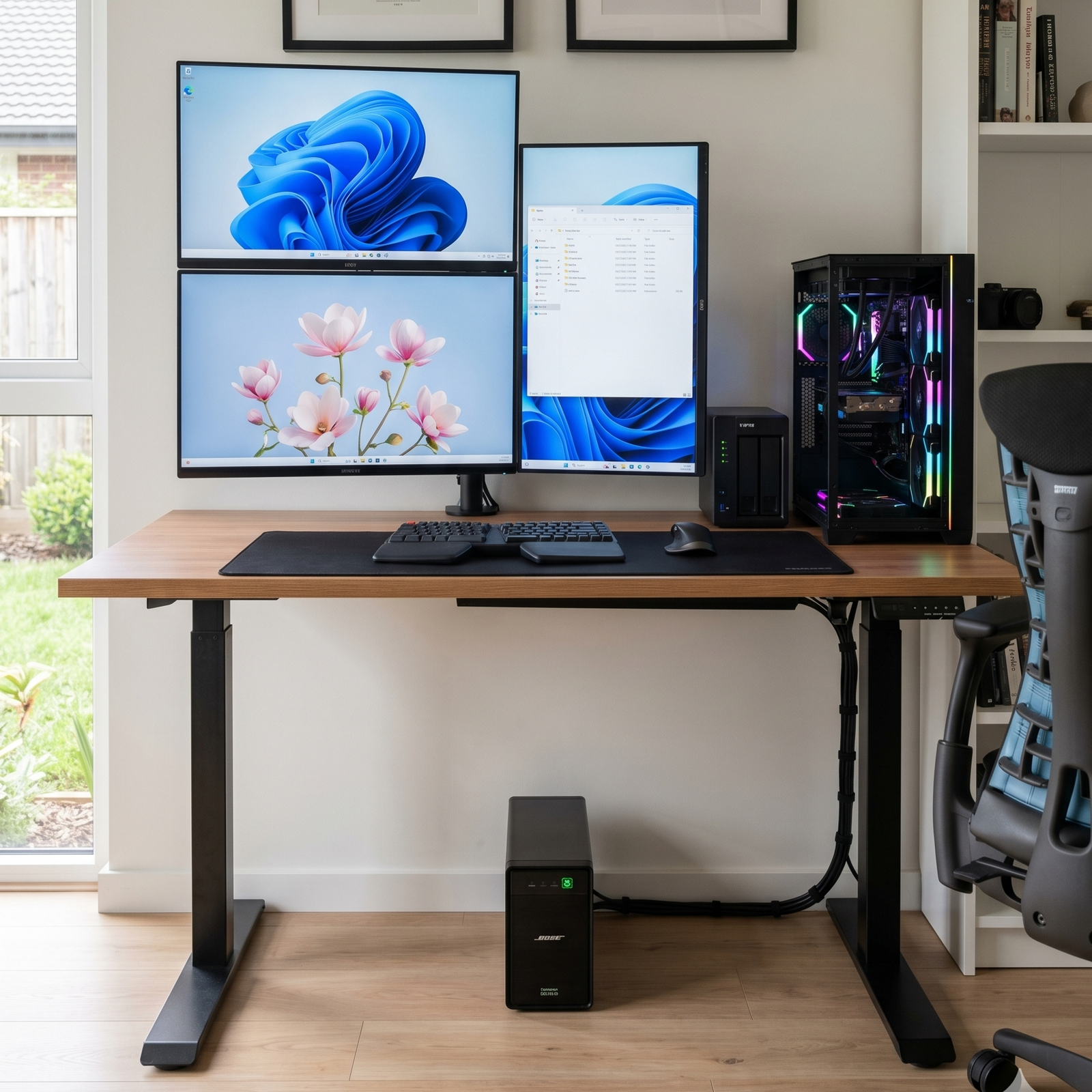
We’ve all been there. You’re right in the middle of a crucial Zoom call, dominating a competitive gaming match, or just enjoying a Netflix binge —and suddenly, click. The power goes out.
While the lights turning off is an annoyance, the sudden drop in power (or the violent voltage spike when it returns) can be a death sentence for your sensitive electronics. That’s where the Uninterruptible Power Supply (UPS) steps in.
But here is a closely guarded secret in the power protection industry: Not all home appliances are created equal, and neither are their power needs. While a massive 10kVA hardwired unit is required for a commercial server room, your home runs perfectly on “plug-and-play” 650VA to 3kVA units—provided you plug the right things into them.
Here is the UPS Power Strategist’s guide to the home appliances that absolutely require a UPS, and the ones that could destroy it.
- The Home Network: Wi-Fi Routers & Modems
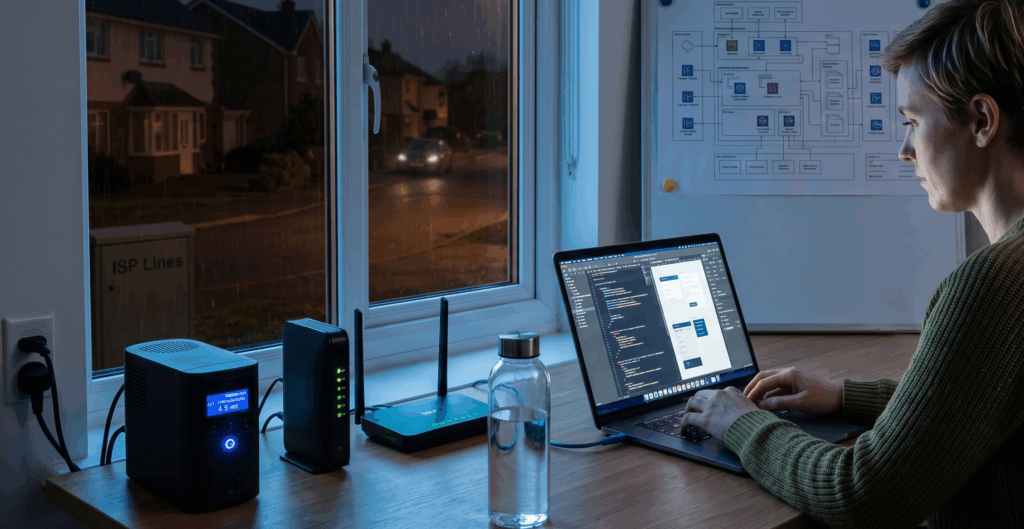
If you work from home, the internet is as vital as oxygen. When the grid goes down, your ISP (Internet Service Provider) usually still has power running through its lines. If you keep your modem and router alive, your internet stays online.
The Fix: A small 650VA to 850VA Line-Interactive UPS is perfect here. It draws very little power, meaning your Wi-Fi can stay on for hours during a blackout.
- The SOHO Workstation: Desktop PCs and NAS Drives
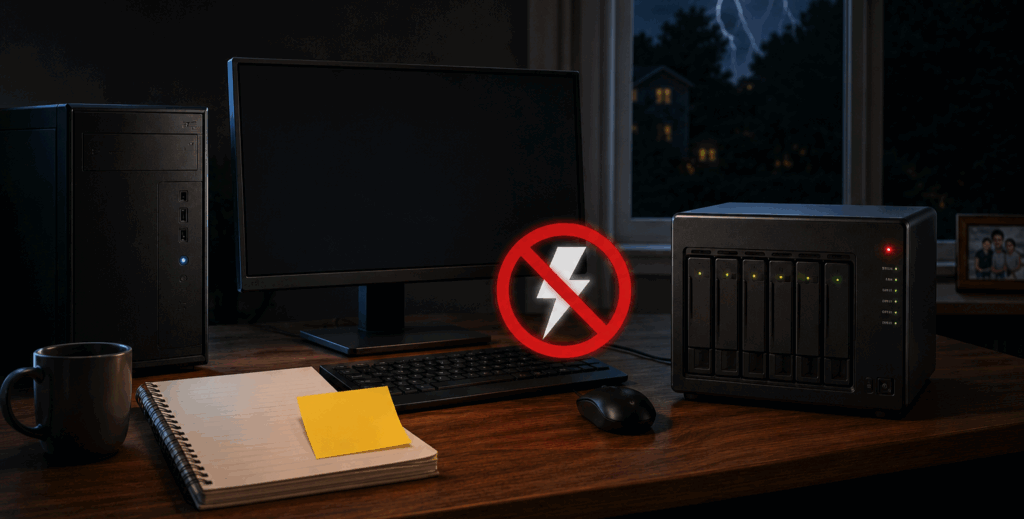
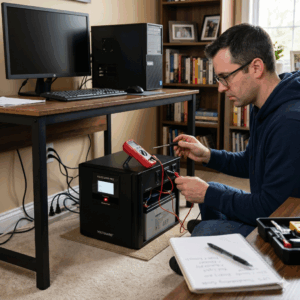
A sudden power loss doesn’t just shut down your PC; it can corrupt files, damage hard drives, and destroy hours of unsaved work. If you run a Home Network Attached Storage (NAS) drive for family photos or business backups, a sudden shutdown can cause catastrophic data loss.
The Fix: A 1000VA to 1500VA UPS. This gives you the critical 10–15 minute window to save your work, close your applications, and initiate a “graceful shutdown.”
- Smart Home Hubs & Security Systems
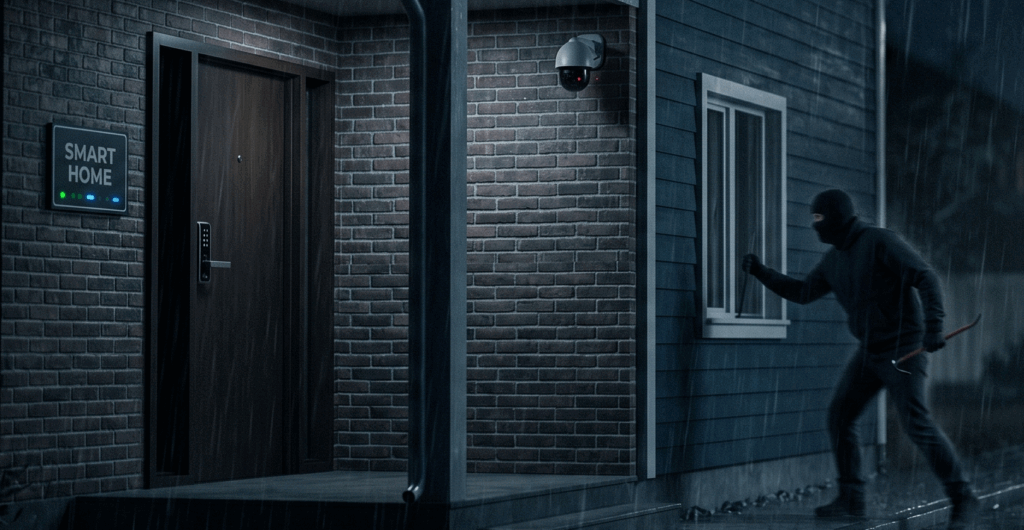
What good is a high-tech smart security system if a 3-second power flicker disables your cameras and door locks? Thieves know that power outages are the perfect time to strike.
The Fix: Keeping your central smart home hub, security DVR, and PoE (Power over Ethernet) cameras on a UPS ensures your home remains a fortress, even in the dark.
- High-End Entertainment: Smart TVs & Gaming Consoles
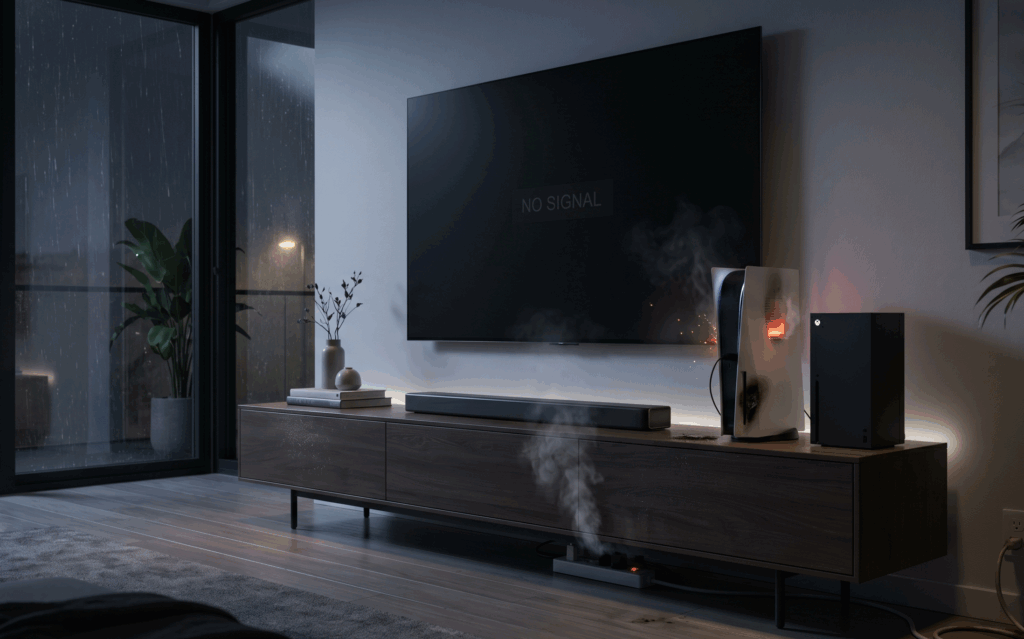
Modern OLED TVs and consoles like the PS5 or Xbox Series X are essentially high-powered computers. Voltage sags (brownouts) and surges can easily fry their delicate internal power supply boards.
The Fix: A 1500VA to 2000VA Line-Interactive UPS with Automatic Voltage Regulation (AVR) will clean the messy utility power before it ever reaches your expensive screens.
- Critical Medical Equipment (e.g., CPAP Machines)
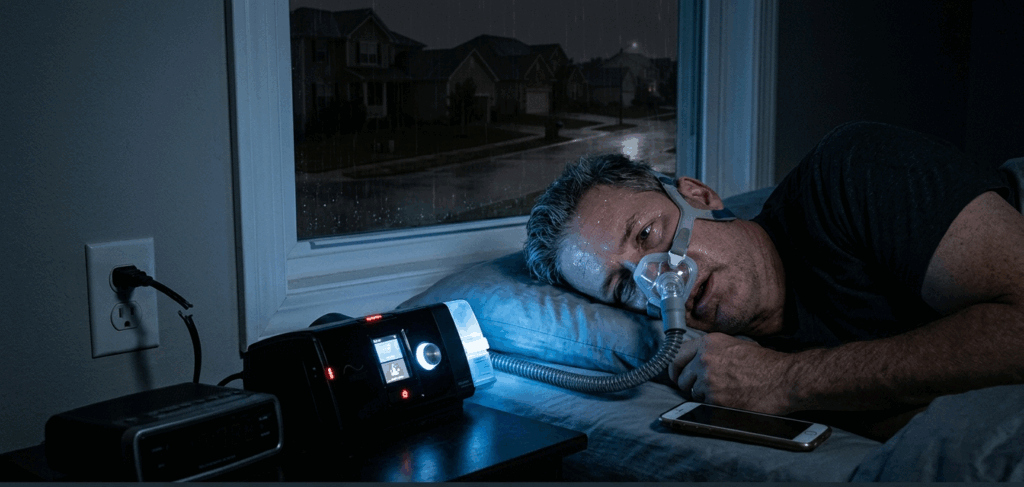
For users who rely on CPAP machines for sleep apnea, a power outage isn’t just an inconvenience; it’s a health hazard.
The Fix: Look for a robust UPS (often up to 2kVA-3kVA depending on the machine’s draw and whether the humidifier is on). Pro-Tip: If you need it to run all night, look into portable lithium-ion power stations rather than traditional VRLA (Lead Acid) UPS units, as VRLA is designed for short bridge times.
🛑 STOP! Never Plug These Into a UPS
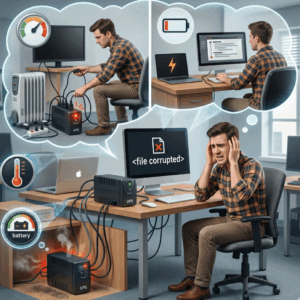
As your technical consultants, we must issue a strong safety warning. A UPS is designed for microelectronics, not heavy, motor-driven, or heating appliances. Plugging these into a standard home UPS will cause an immediate overload and could present a fire risk:
Laser Printers: They use a “fuser” that draws a massive, instantaneous surge of power to heat up—often exceeding the capacity of a 1500VA UPS in a millisecond.
Space Heaters & Hair Dryers: Pure resistive heating elements draw massive continuous wattage.
Refrigerators & Air Conditioners: The compressor motors require a huge inrush current to start. (These require specialized inverters or a whole-home generator, not a desk UPS!)
Paper Shredders: The sudden motor torque will trip your UPS overload alarm instantly.
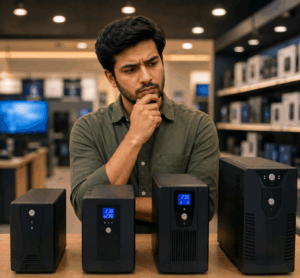
Need Help Sizing Your Home UPS?
Don’t guess when it comes to power protection. Sizing a UPS is all about your Load Profile (how many Watts your devices pull) and your required Runtime (how long you need them to stay on).