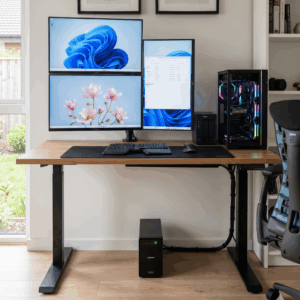
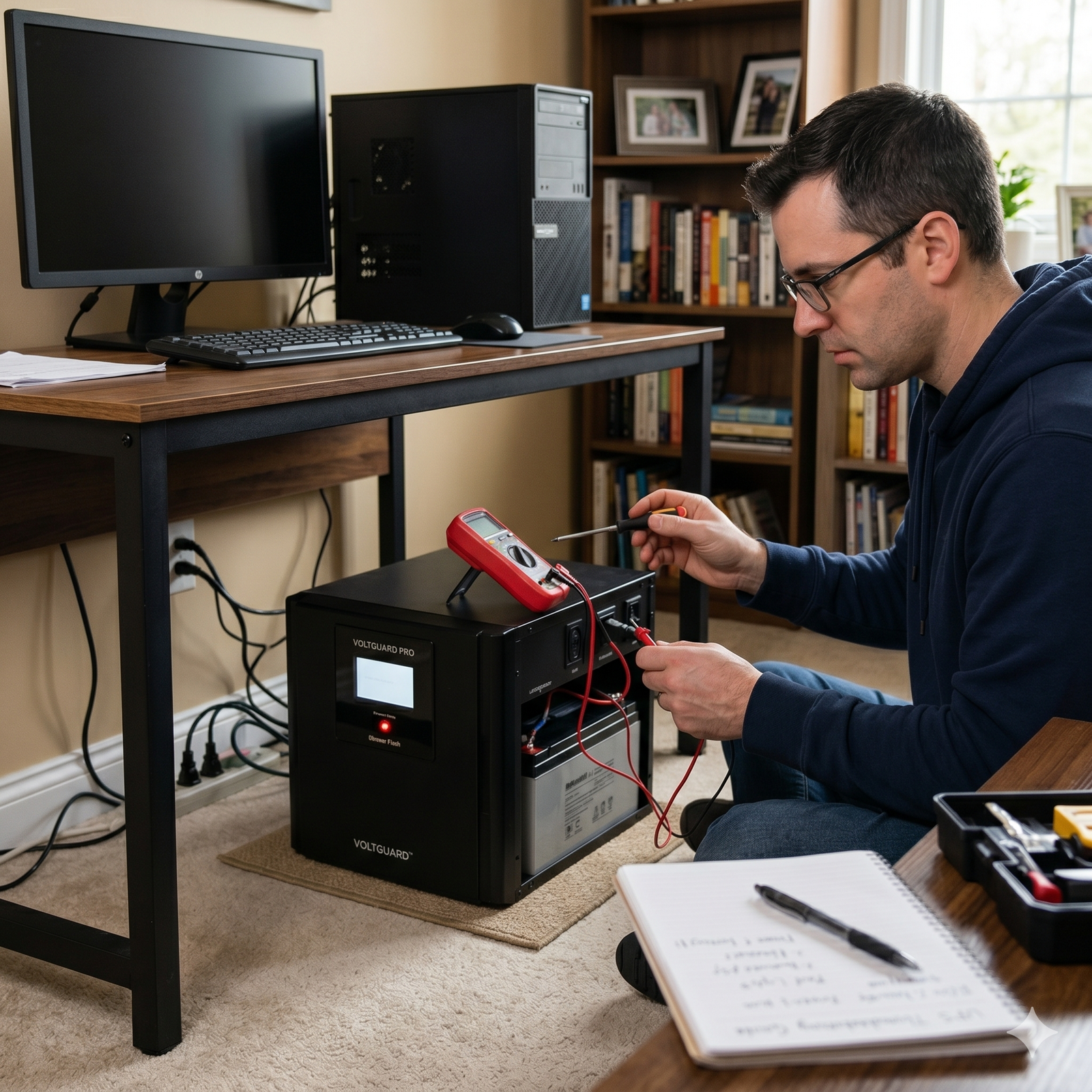
A home uninterruptible power supply (UPS) is one of the most important devices for protecting your electronics during power interruptions. From desktop computers and Wi-Fi routers to CCTV systems and home office equipment, a Home UPS helps prevent sudden shutdowns, hardware damage, and data loss during blackouts or voltage fluctuations.
But like any electronic equipment, a UPS can eventually develop issues over time. The good news is that a faulty UPS does not always mean you need to buy a new one immediately. In many cases, the problem can be identified and resolved with proper troubleshooting and maintenance.
At Nupon Technology Phils. Corp., many homeowners ask the same question: “What should I do if my home UPS stops working?” Here are the most common causes of UPS failure and the practical steps you can take before considering replacement.
Start by Checking the UPS Battery
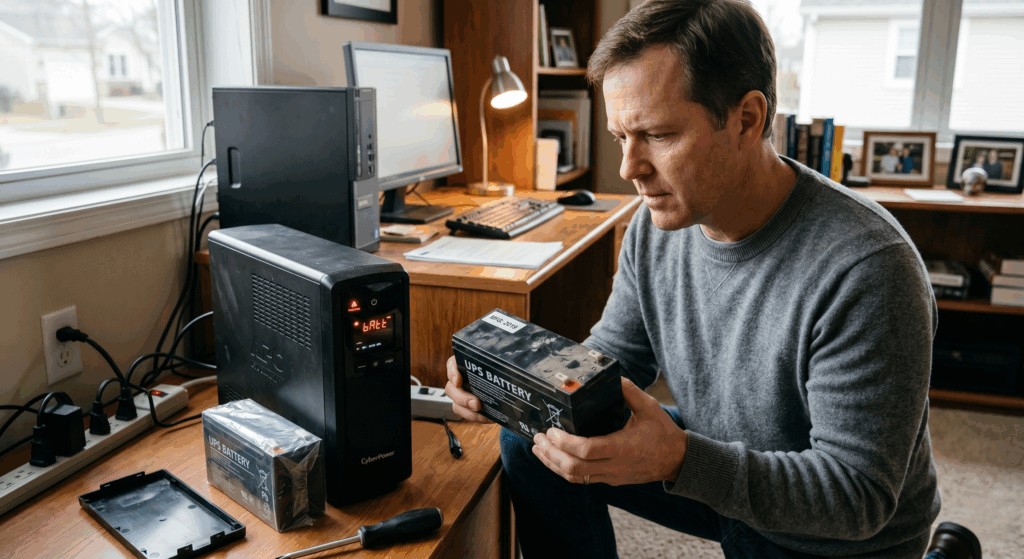
One of the most common reasons a home UPS stops functioning properly is a worn-out battery. UPS batteries naturally degrade over time, especially in areas with frequent brownouts, unstable voltage, or high temperatures.
Most home UPS batteries typically last between two to five years, depending on usage and environmental conditions. If your UPS suddenly shuts down during a power outage or only provides backup power for a few seconds, the battery may already need replacement.
You may also notice warning indicators, continuous beeping sounds, or difficulty turning the UPS on. In many situations, replacing the battery is enough to restore normal operation and extend the life of the unit.
Make Sure the UPS Is Not Overloaded
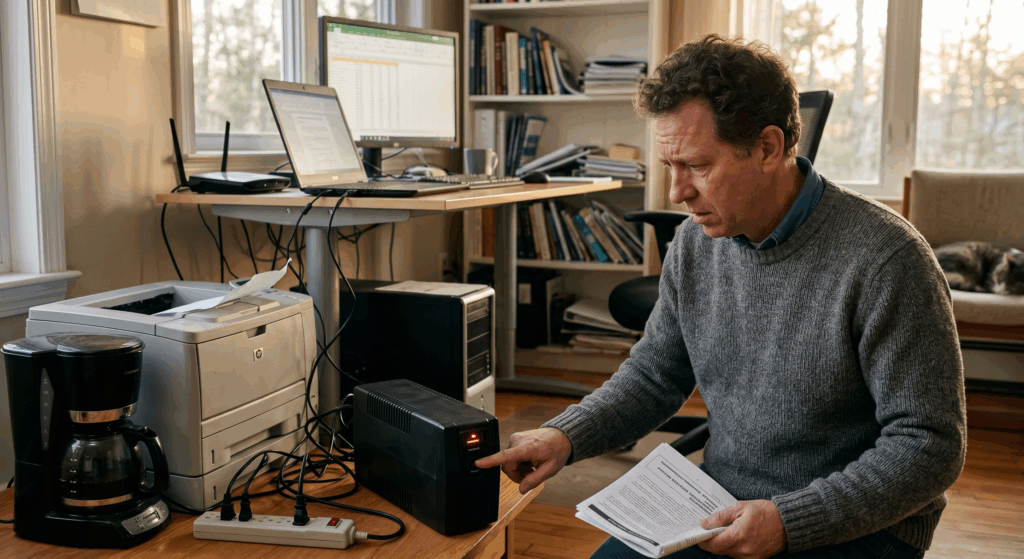
Another common issue is overload. Many users accidentally connect appliances that consume more power than the UPS was designed to handle.
A standard home UPS is usually intended for sensitive electronics such as computers, modems, routers, small monitors, and CCTV systems. It is not recommended for high-power appliances like refrigerators, microwave ovens, air conditioners, or large printers.
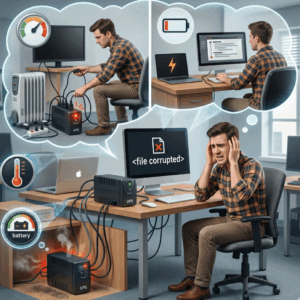
When overloaded, the UPS may continuously beep, shut down unexpectedly, or fail to provide backup power during outages. Disconnecting unnecessary devices and limiting the load to essential electronics can often solve the problem immediately.
Inspect the Power Source and Connections
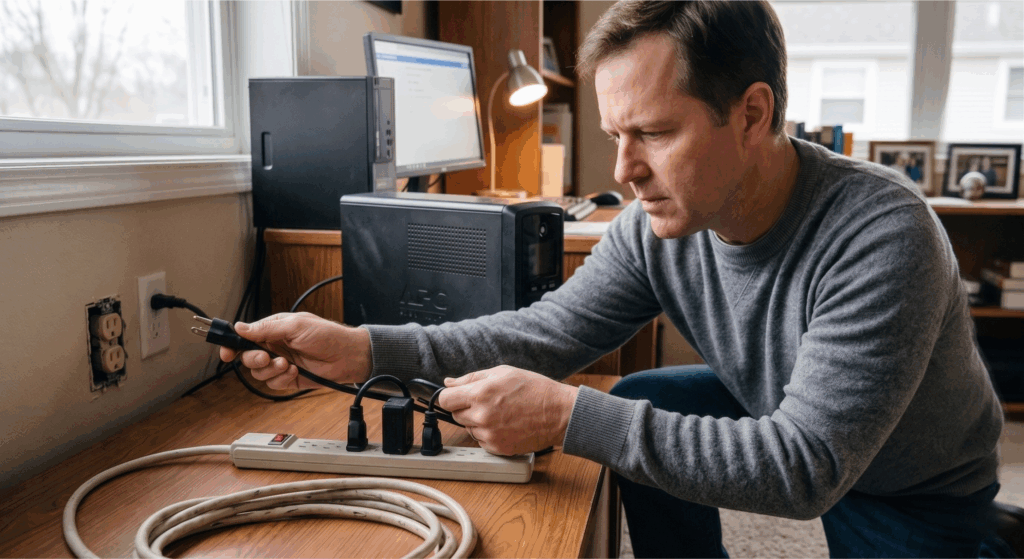
Sometimes the UPS itself is perfectly fine, but the problem comes from the power source or loose connections.
Check if the UPS is securely plugged into a working outlet. Faulty extension cords, damaged plugs, or unstable wall sockets can prevent the unit from charging properly. It is also important to inspect the cables for signs of wear, overheating, or loose connections.
A stable and reliable power source is essential for proper UPS performance and battery charging.
Check for Overheating Issues
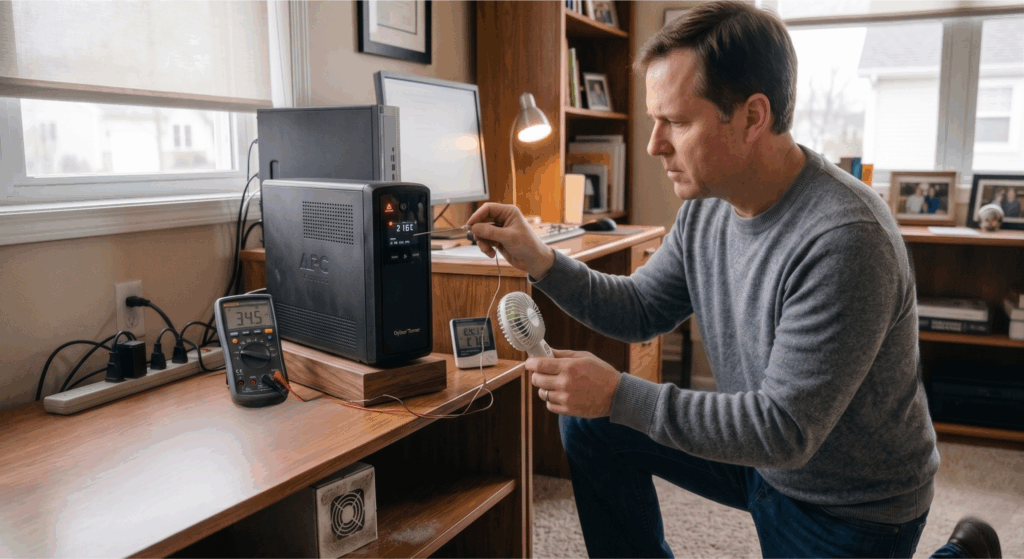
Heat is one of the biggest factors that can shorten the lifespan of a UPS. Units placed inside enclosed cabinets or areas with poor airflow can overheat, causing automatic shutdowns or internal damage.
To improve performance, place the UPS in a cool and well-ventilated area. Avoid direct sunlight, excessive dust, and locations near heat-generating appliances. Proper airflow helps maintain battery health and prevents unnecessary stress on the internal components.
Pay Attention to Warning Sounds and Indicators
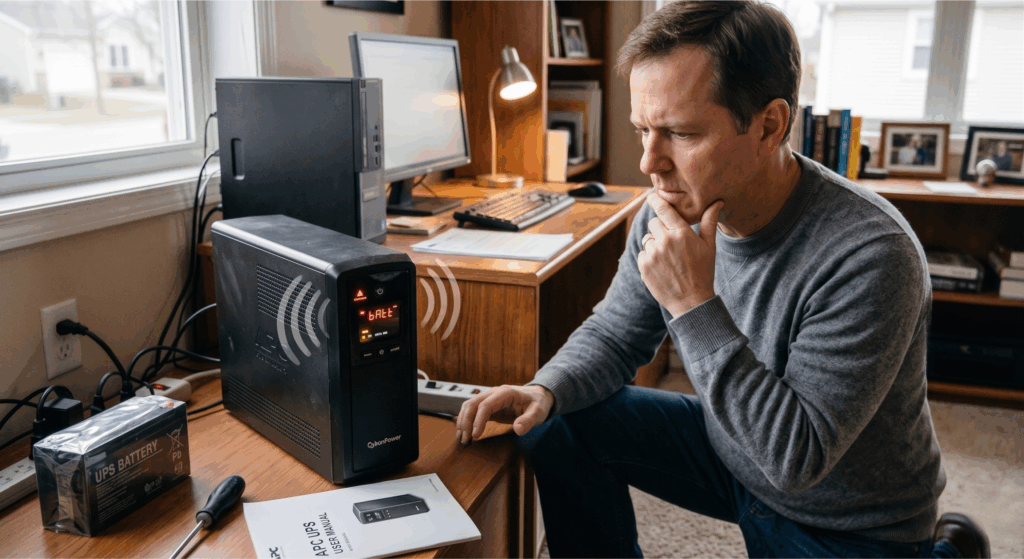
Most UPS systems are designed to alert users when something is wrong. Continuous beeping or flashing warning lights often indicate issues such as low battery, overload, charging failure, or internal hardware problems.
Instead of ignoring these warnings, it is best to check the user manual or consult a professional technician. Early troubleshooting can prevent minor issues from becoming more serious and expensive repairs later on.
Try Performing a Basic UPS Reset
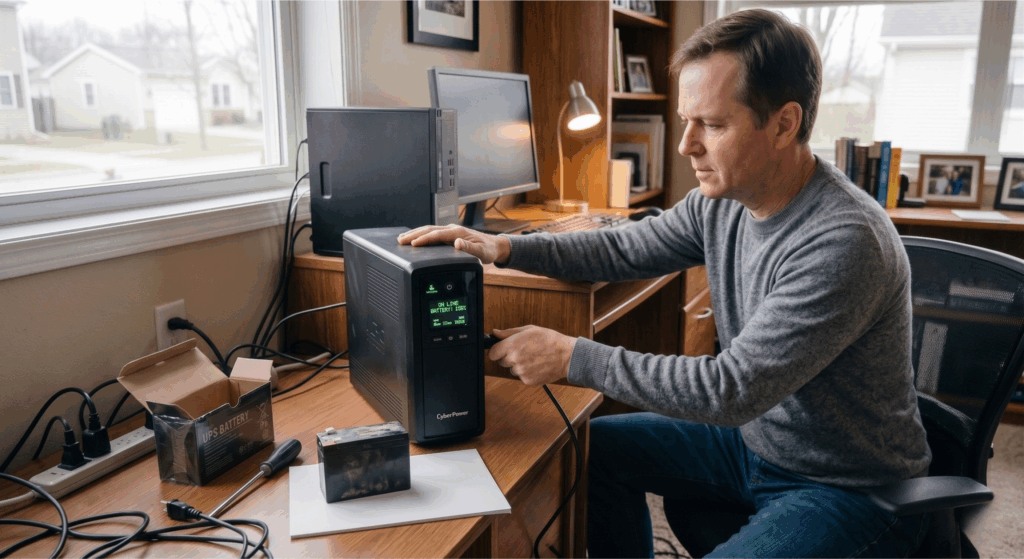
In some cases, the issue may be a temporary system fault. Performing a basic reset can sometimes restore the UPS back to normal operation.
Start by turning off the UPS and unplugging it from the wall outlet. Disconnect all connected devices and allow the unit to rest for several minutes before plugging it back in. Once restarted, reconnect only the essential equipment and monitor its performance.
This simple process may clear temporary protection errors or internal faults.
Know When It’s Time for Replacement
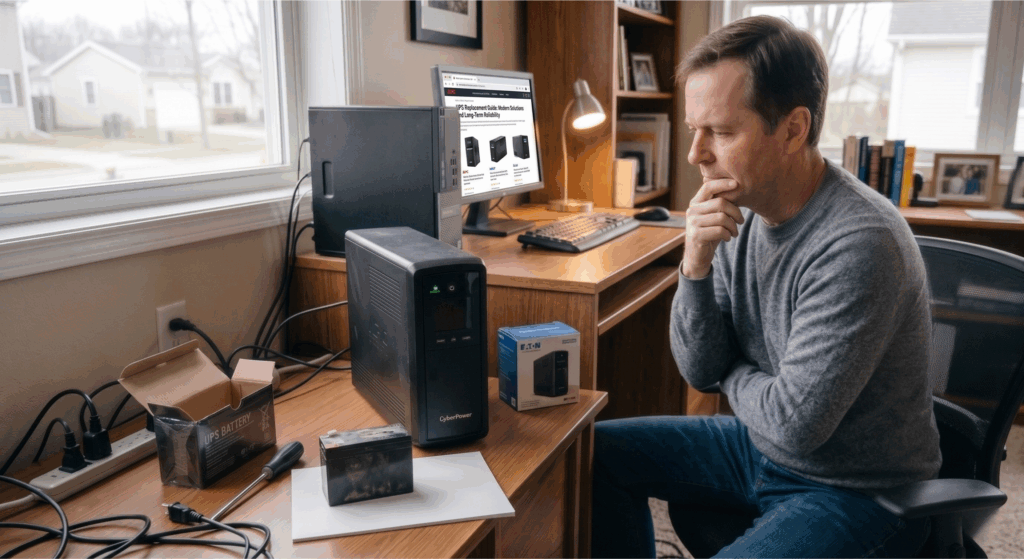
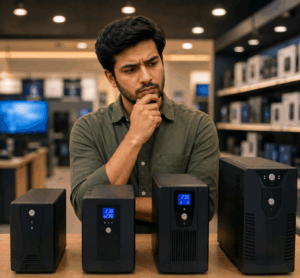
Although many UPS problems can be repaired, there are situations where replacement becomes the more practical option. Older UPS units with repeated failures, damaged internal components, or outdated technology may no longer provide reliable protection for modern electronics.
Newer UPS systems offer improved efficiency, better voltage regulation, quieter operation, and enhanced safety features. Investing in a reliable UPS can provide better long-term protection for your devices and reduce the risk of unexpected downtime.
Professional UPS Support Matters
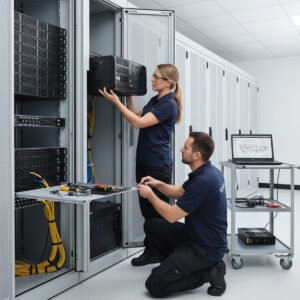
Proper diagnosis is important when a UPS continues to experience recurring issues. A Professional inspection can help determine whether the problem is related to the battery, charging system, internal circuitry, or connected load.
At Nupon Technology Phils. Corp., we provide reliable UPS solutions, battery replacement services, preventive maintenance, and professional power protection support for homes and businesses across the Philippines.